 d856655ae2
Please don't merge it to Master. I am a newbie. I changed some numbers in the file (filebrowser\frontend\src\css\styles.css) to make the preview window much larger. It looks pretty good. All the buttons and bars are trandsparent and shown above the pics layer. Every thing works great, expect some buttons are not in the correct position, especially in the PC's browser. I don't know how to fix it. And maybe I changed some unnecessary numbers. So, please don't merge it to Master. Just compile it and take a look. I hope some one can improve it. By the way, after the change, the pics' direction is correct in the phone's web browser. Before, the phone's web browser always showed some pics in wrong direction. |
||
|---|---|---|
| .circleci | ||
| .github | ||
| .tx | ||
| auth | ||
| cmd | ||
| diskcache | ||
| errors | ||
| files | ||
| fileutils | ||
| frontend | ||
| http | ||
| img | ||
| rules | ||
| runner | ||
| search | ||
| settings | ||
| share | ||
| storage | ||
| users | ||
| version | ||
| .docker.json | ||
| .dockerignore | ||
| .gitignore | ||
| .golangci.yml | ||
| .goreleaser.yml | ||
| CHANGELOG.md | ||
| Dockerfile | ||
| Dockerfile.alpine | ||
| Dockerfile.debian | ||
| go.mod | ||
| go.sum | ||
| LICENSE | ||
| main.go | ||
| README.md | ||
| styles.css | ||
| wizard.sh | ||

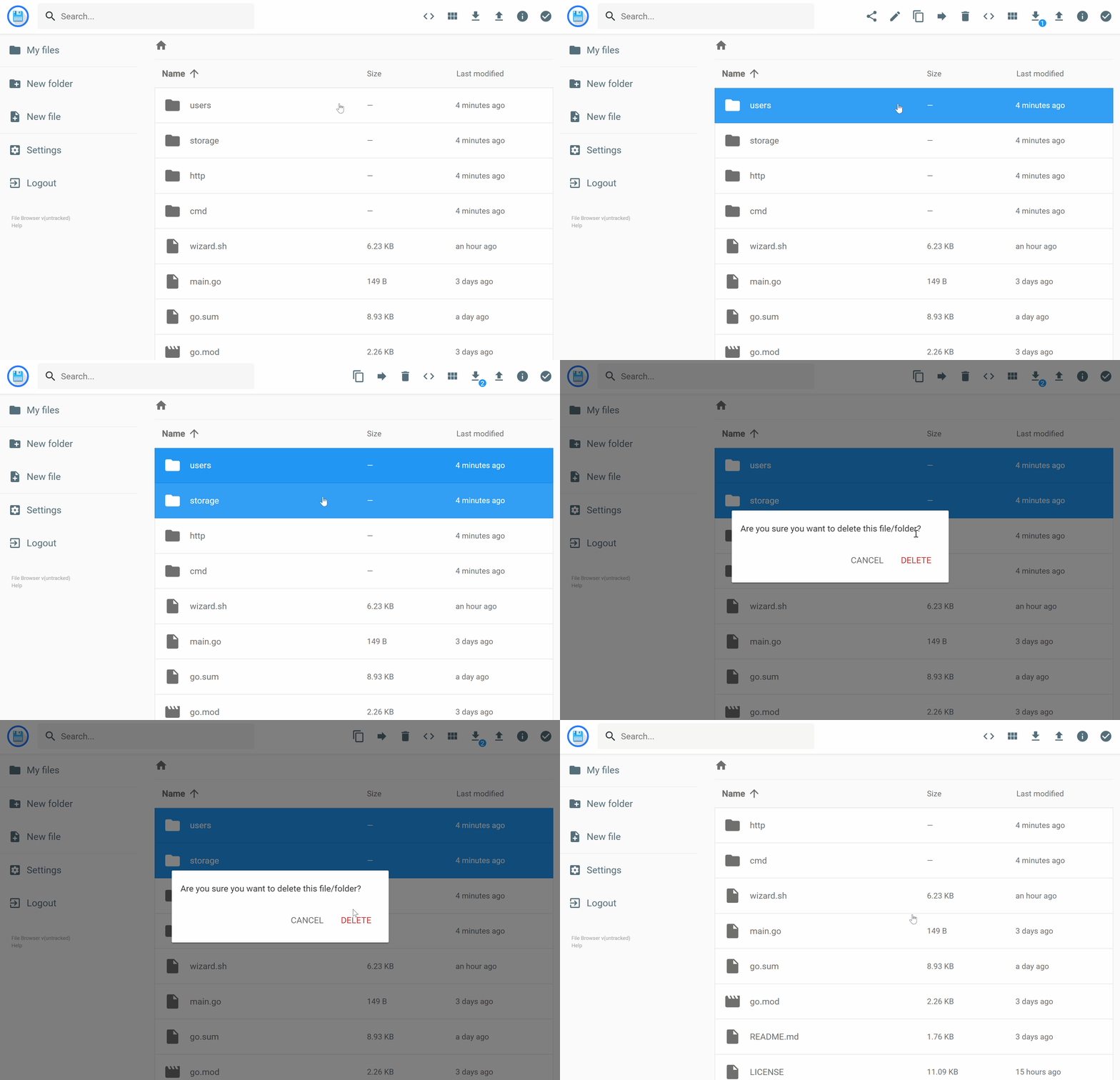




filebrowser provides a file managing interface within a specified directory and it can be used to upload, delete, preview, rename and edit your files. It allows the creation of multiple users and each user can have its own directory. It can be used as a standalone app or as a middleware.
Features
Please refer to our docs at https://filebrowser.org/features
Install
For installation instructions please refer to our docs at https://filebrowser.org/installation.
Configuration
Authentication Method - You can change the way the user authenticates with the filebrowser server
Command Runner - The command runner is a feature that enables you to execute any shell command you want before or after a certain event.
Custom Branding - You can customize your File Browser installation by change its name to any other you want, by adding a global custom style sheet and by using your own logotype if you want.
Contributing
If you're interested in contributing to this project, our docs are best places to start https://filebrowser.org/contributing.