📂 Web File Browser
 b0693906eb
fix filebrowser/filebrowser#750, fix filebrowser/filebrowser#553 Preview: - Opens and cycle all files types. - Support for text, mardown and html. - Added filename title, esc key shortcut and editor button. Editor: - Shows on full screen overlay. - Added esc key shortcut. |
||
|---|---|---|
| .circleci | ||
| .github | ||
| .tx | ||
| auth | ||
| cmd | ||
| errors | ||
| files | ||
| fileutils | ||
| frontend | ||
| http | ||
| rules | ||
| runner | ||
| search | ||
| settings | ||
| share | ||
| storage | ||
| users | ||
| version | ||
| .docker.json | ||
| .dockerignore | ||
| .gitignore | ||
| .goreleaser.yml | ||
| Dockerfile | ||
| go.mod | ||
| go.sum | ||
| LICENSE | ||
| main.go | ||
| README.md | ||
| wizard.sh | ||

⚠️ WARN: This project will not be developed anymore. If you're willing to take over this project, please read #532 for more info!
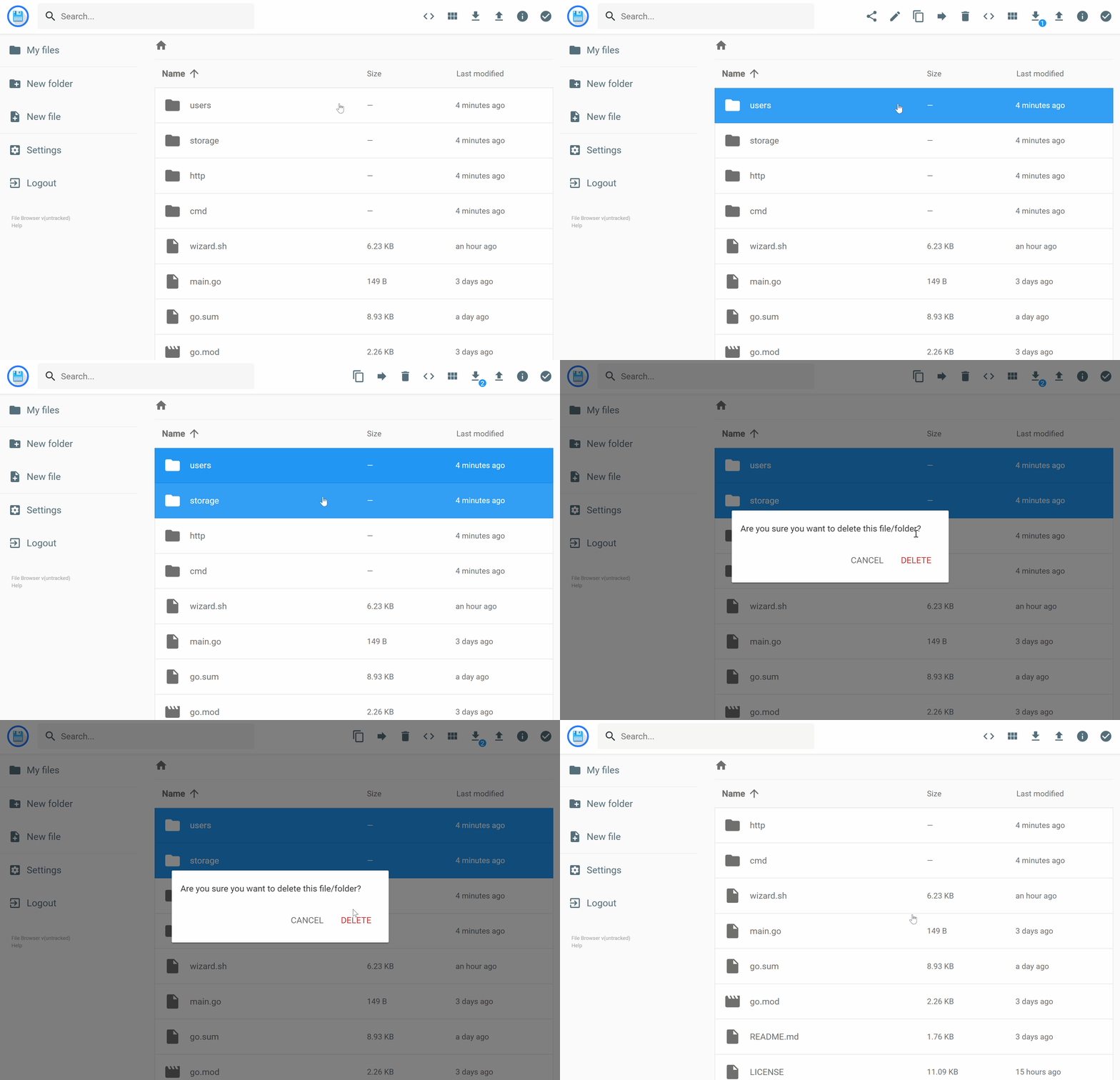




filebrowser provides a file managing interface within a specified directory and it can be used to upload, delete, preview, rename and edit your files. It allows the creation of multiple users and each user can have its own directory. It can be used as a standalone app or as a middleware.
Features
Please refer to our docs at filebrowser.xyz/features
Install
Please refer to our docs at filebrowser.xyz.
Usage
Please refer to our docs at filebrowser.xyz/usage.
Contributing
Please refer to our docs at filebrowser.xyz/contributing.