---
---
---
# File Browser
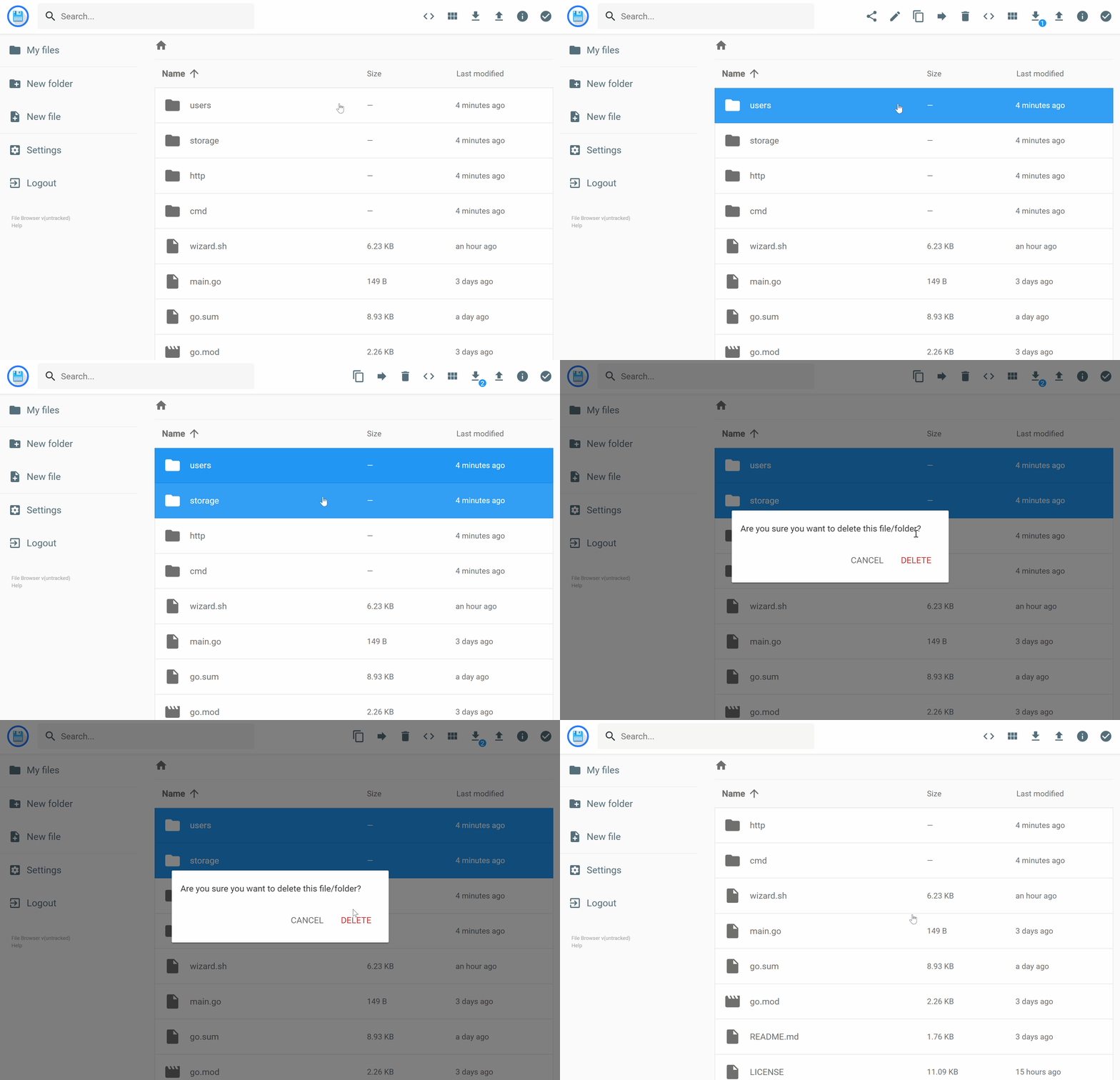
**File Browser** provides a file management interface within a specified directory. It allows you to upload, delete, preview, rename, and edit files. With support for multiple users, each user can have a unique directory. File Browser can also be used as a standalone application.
---
## 🛠️ Features
Explore all the features in the [official documentation](https://filebrowser.org/features).
---
## 🚀 Demo
- **URL**: [https://demo.filebrowser.org/](https://demo.filebrowser.org/)
- **Credentials**: `demo` / `demo`
---
## 📥 Installation
Follow the installation guide at [https://filebrowser.org/installation](https://filebrowser.org/installation).
---
## ⚙️ Configuration
File Browser supports a variety of configurations:
- **[Authentication Method](https://filebrowser.org/configuration/authentication-method):** Change how users authenticate with the server.
- **[Command Runner](https://filebrowser.org/configuration/command-runner):** Execute shell commands before or after specific events.
- **[Custom Branding](https://filebrowser.org/configuration/custom-branding):** Customize File Browser by changing its name, adding a global custom style sheet, or using your own logo.
---
## 🤝 Contributing
Interested in contributing? Start with the [contribution guide](https://filebrowser.org/contributing).
---
Made with ❤️ by the File Browser Community